SINCLIQ STANDARD
Custom quote
Quoted for your locations
Everything you need for daily work.
Custom quote
Quoted for your locations
Everything you need for daily work.
Custom quote
Quoted for your locations
Everything in Sincliq Standard plus Profit Intelligence for costs, margin and results.
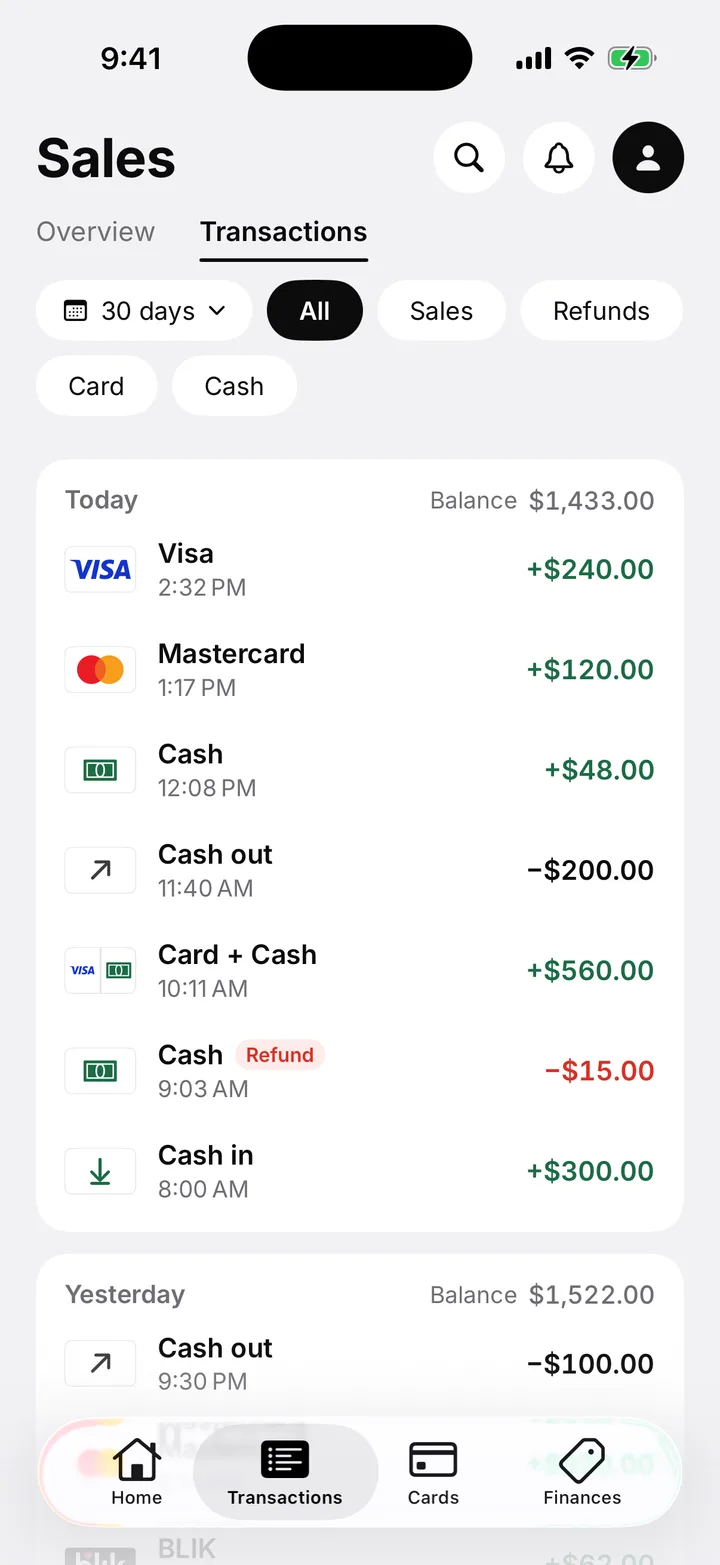
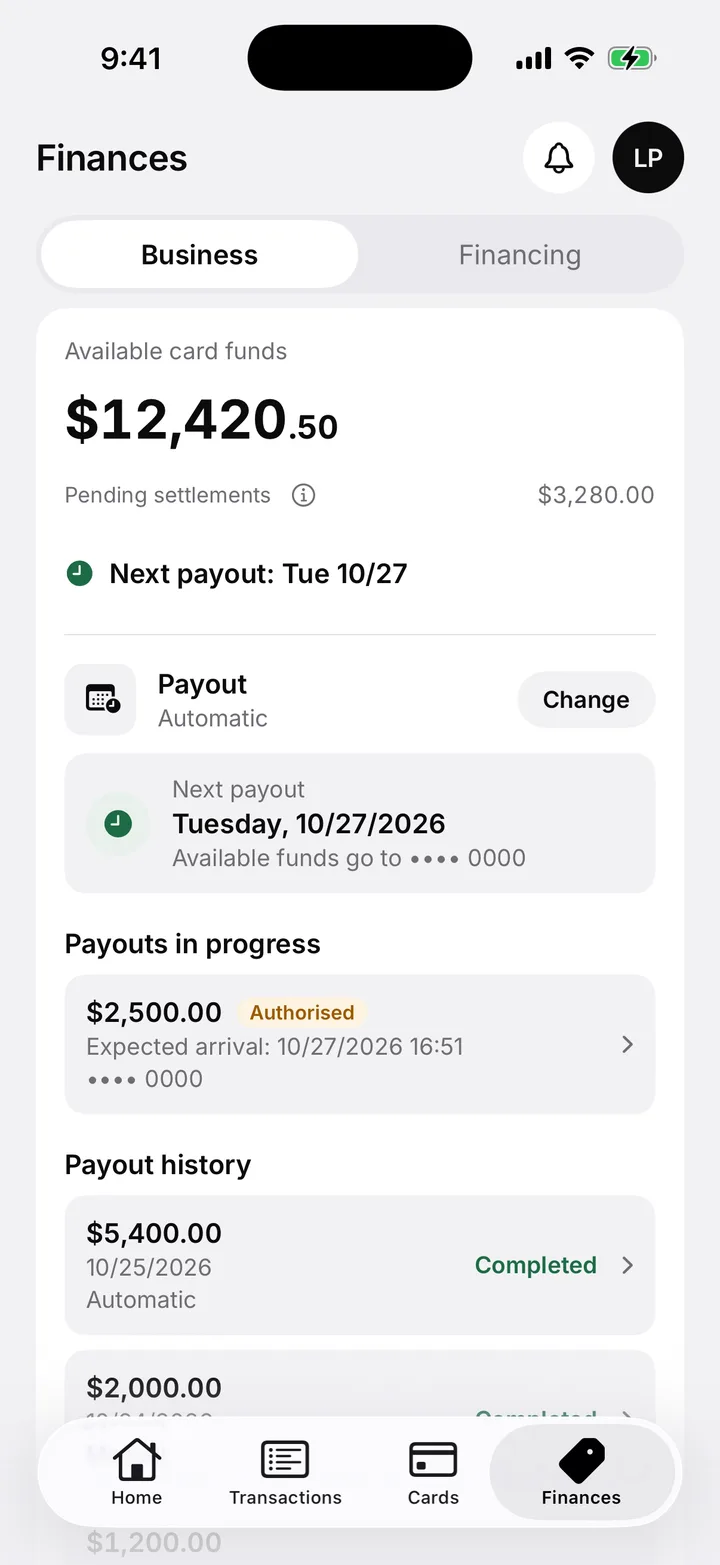
The Sincliq Business app
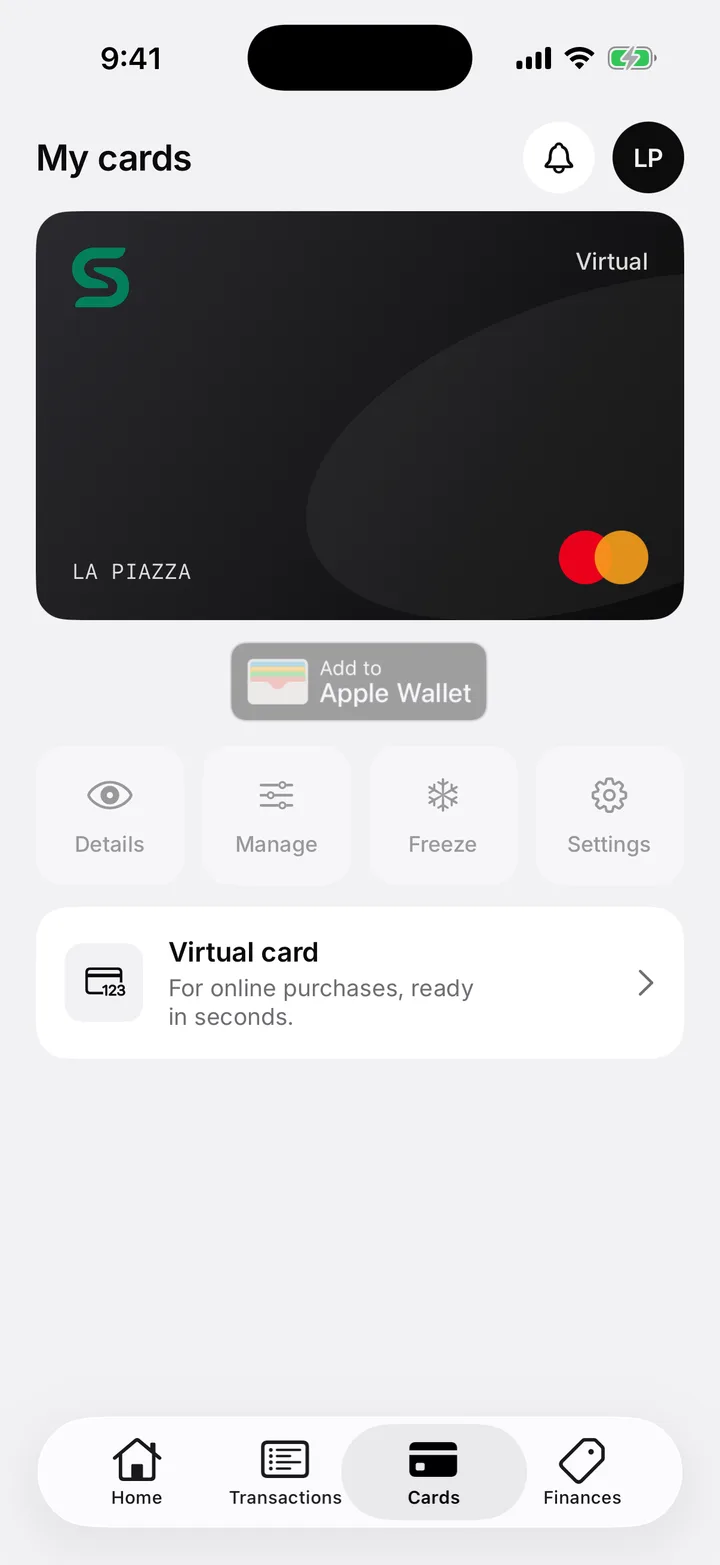
Pay out your sales money to your bank account whenever you like, or use it directly with the Sincliq business card.
Pay for stock, supplies and everyday business costs with your sales money, without waiting for the terminal payout.
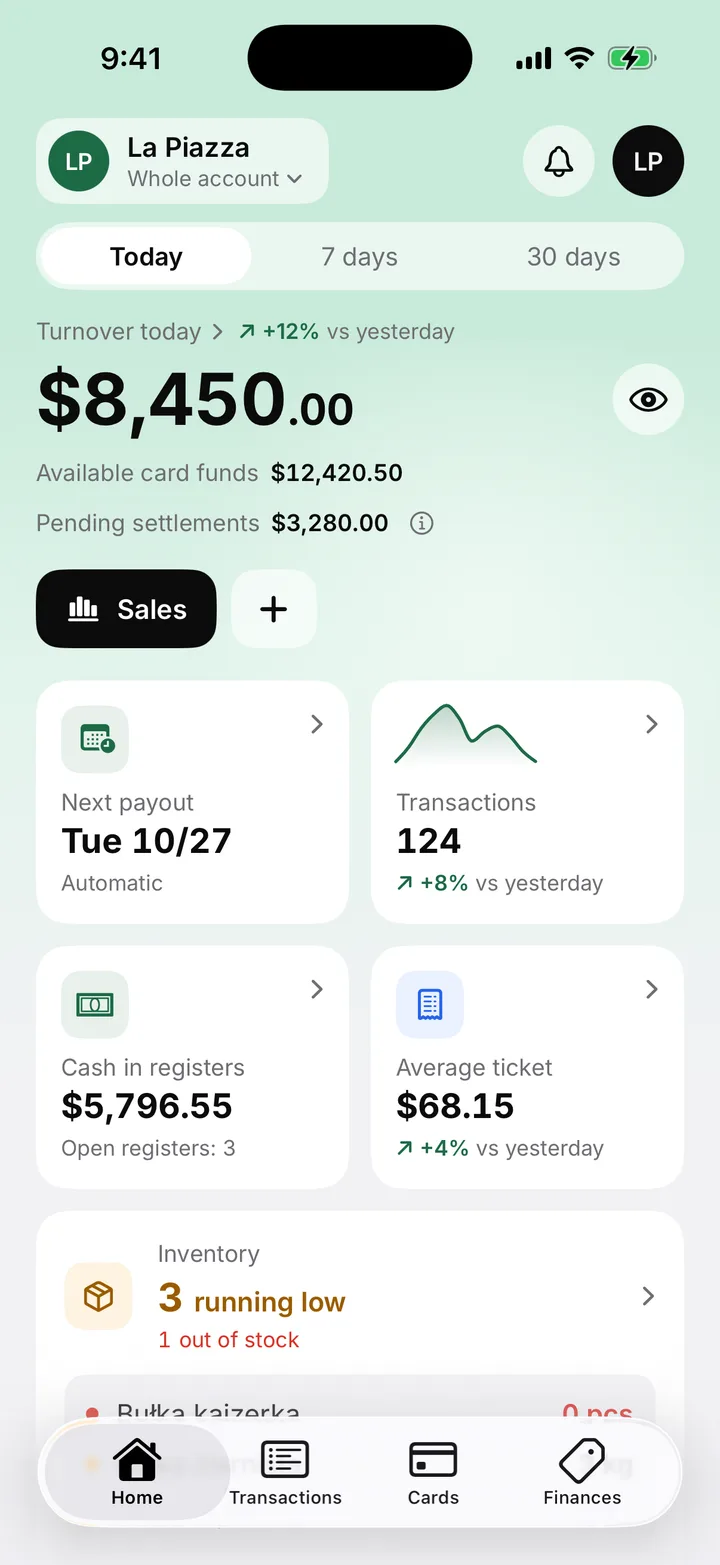


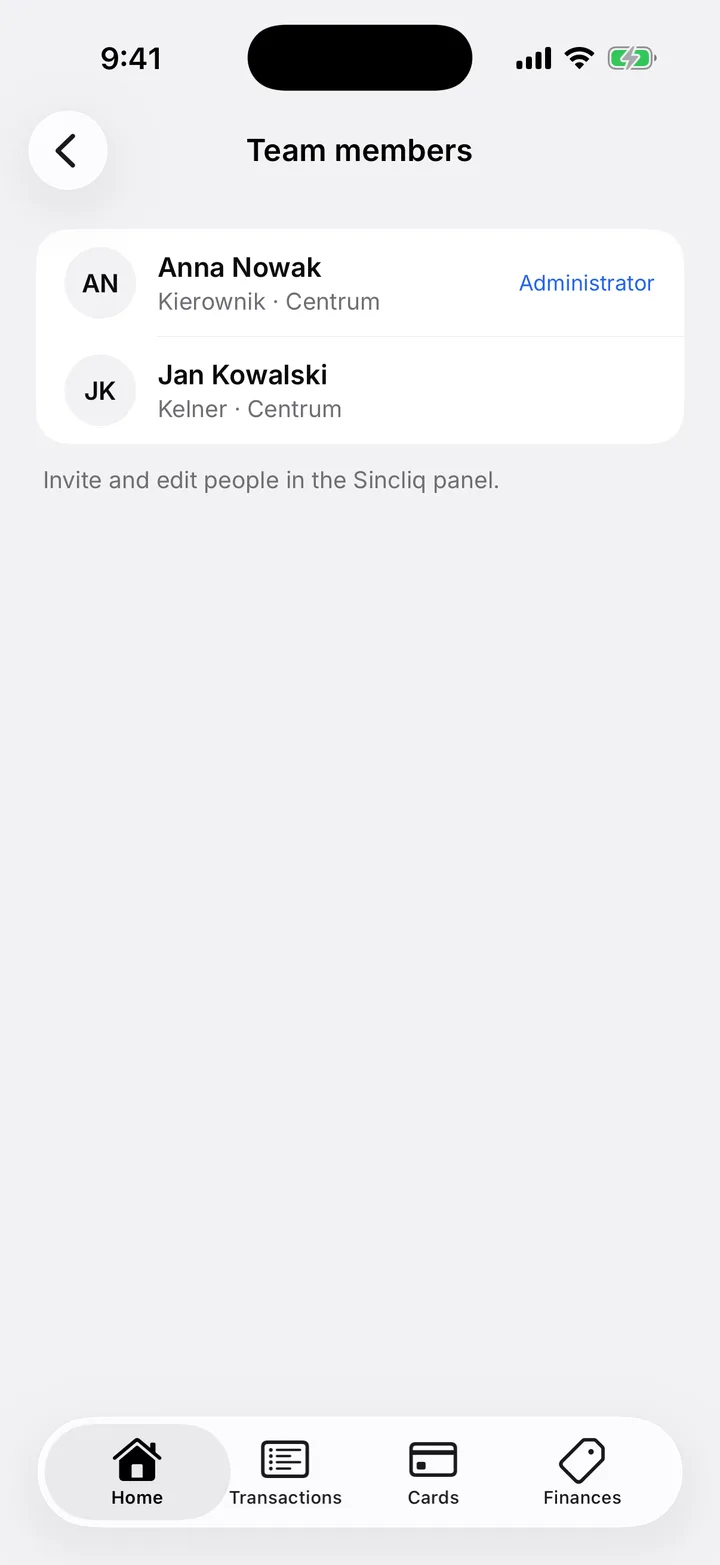
What the app gives you
| SINCLIQ STANDARD | SINCLIQ PLUS | |
|---|---|---|
| Price | Custom quote | Custom quote |
| Additional location | Quoted for your locations | Quoted for your locations |
| POS | ✓ | ✓ |
| POS Mini | ✓ | ✓ |
| Payment integrations | ✓ | ✓ |
| Products and pricing | ✓ | ✓ |
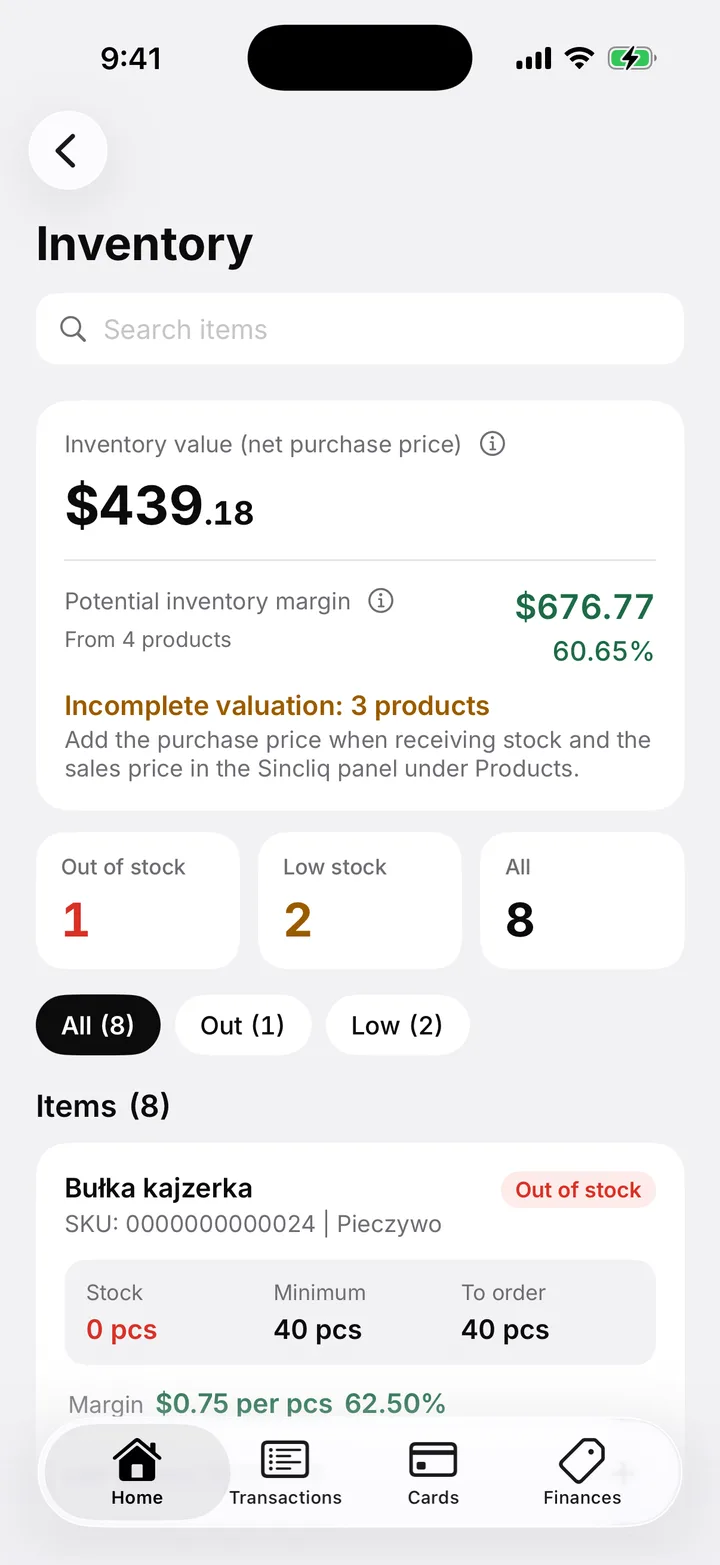
| Inventory | ✓ | ✓ |
| Reports | ✓ | ✓ |
| Loyalty | ✓ | ✓ |
| Web dashboard | ✓ | ✓ |
| Updates and support | ✓ | ✓ |
| SKU and EAN, deliveries, stocktakes | ✓ | ✓ |
| Location and sales tax categories | ✓ | ✓ |
| Profit Intelligence | - | ✓ |
| Margin analysis | - | ✓ |
| Sales trends | - | ✓ |
| Margin on goods | - | ✓ |
| Purchase prices and company costs | - | ✓ |
| Cost and margin dashboard | - | ✓ |
Integrations
Booking platforms for hotels and delivery platforms for restaurants. Two hubs, connected operations in Sincliq.
Hotels · Sincliq PMS
Manage reservations, rates and availability across connected sales channels. Coordinate direct bookings and booking platforms from one Sincliq dashboard.
Explore Sincliq PMS






Platform availability and synchronization scope depend on the property configuration. Connections require scope confirmation and activation.
Restaurants · Sincliq POS
Connect delivery platforms with Sincliq. Manage orders, notes and fulfilment status directly in your POS, on one device.
Explore Hub Delivery

Availability can also vary by city. Before setup, we verify the venue account and the platform's current coverage.
In the US we quote each Sincliq plan individually, including for several locations. We prepare an offer for your business.
Yes. POS records sales during a connection outage and syncs data when connectivity returns. Card authorisation requires a network connection.
Purchasing hardware from Sincliq is optional. The Hardware catalog lists devices, specifications and indicative prices. Registered customers order through the Sincliq dashboard; compatibility of existing devices is confirmed before implementation.
Implementation includes configuring your product range, prices and tax rates together. For hospitality, we prepare the menu and provide system training.
Yes. Manage multiple locations from one dashboard. Each additional location is billed separately under the subscription.
Standard covers POS, POS Mini, payments, products, inventory, reports, loyalty and the dashboard. Plus adds Profit: cost, price and margin of every item.
Sincliq uses the branch address, the category of the product or service being sold, and your business tax setup. The calculated tax returns to the correct check before payment.
No. Locations and sales categories, such as prepared food, drinks, merchandise and services, are configured during implementation. Calculated tax is then included in the check.
Each branch has its own address and setup in Sincliq. A sale in Miami, New York, or another location uses the correct branch details, and reporting keeps tax linked to the right transaction.
Tell us about your business. We’ll help you choose a plan and prepare your offer.