
Reward clients for regular visits.
At checkout, Sincliq identifies the client, shows the Nuvio Loyalty discount, balance or reward and records the visit result.
Customer loyalty integrated with checkout.
Nuvio Loyalty manages the programme, customer cards and reward rules. Sincliq connects the card to the appointment being checked out, shows available benefits and sends the transaction result back to the programme.
Your brand, their Wallet
Give customers a reason to return.
Build the programme in Nuvio Loyalty. Apply rewards in Sincliq. The card stays on your customer's phone.
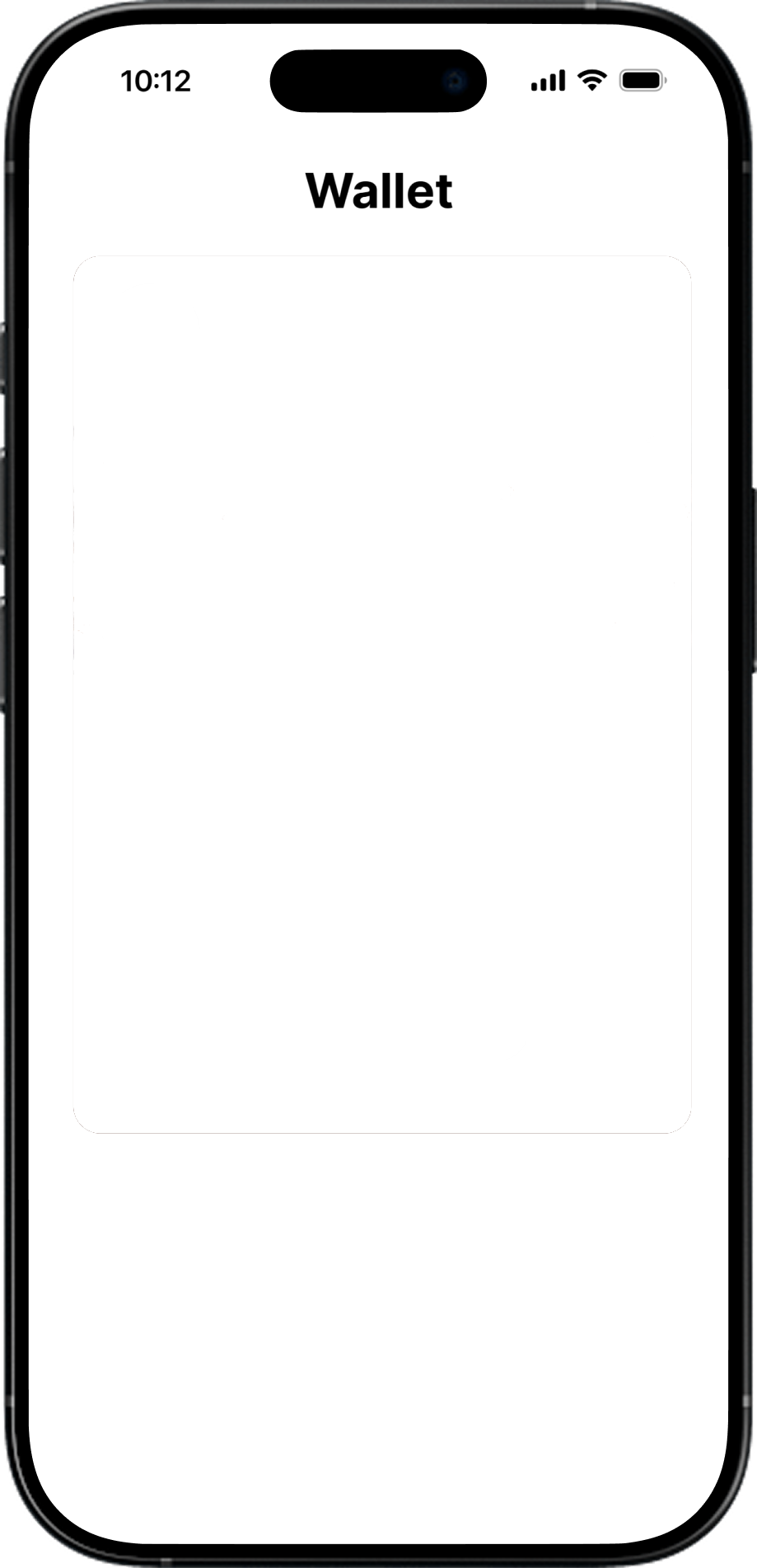
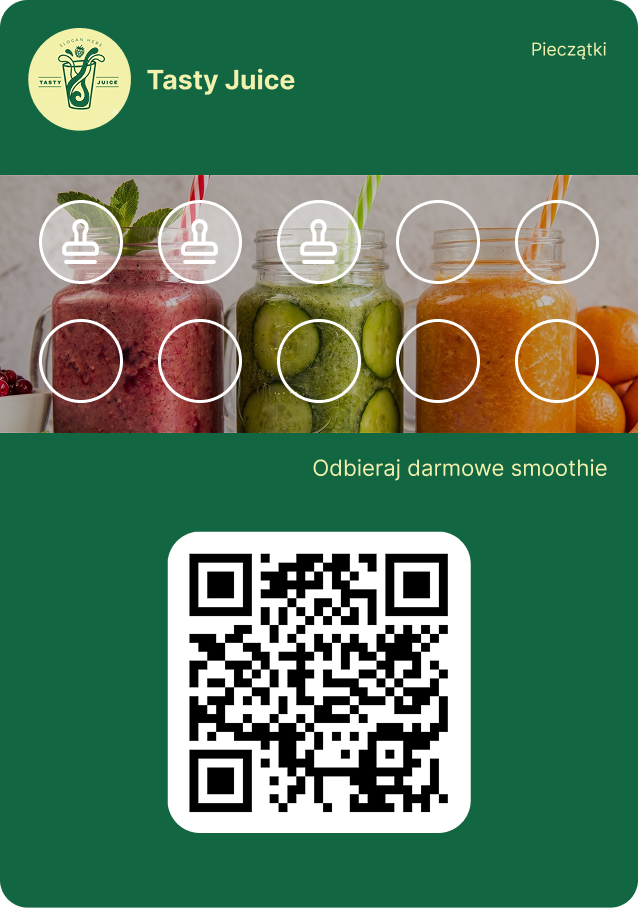
Stamp card
Reward regular visits or purchases. Customers collect stamps and see how close they are to their next reward.
A purchase or visit advances progress towards a reward.
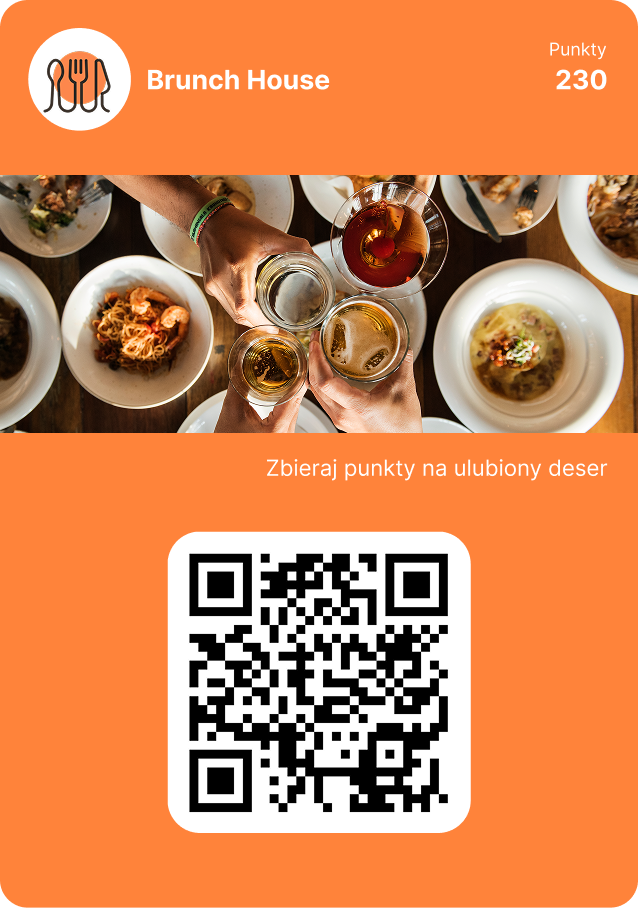
Points card
Award points for purchases and define your programme's rewards. Customers always have their balance to hand on their phone.
Points follow the sale value and programme rules.
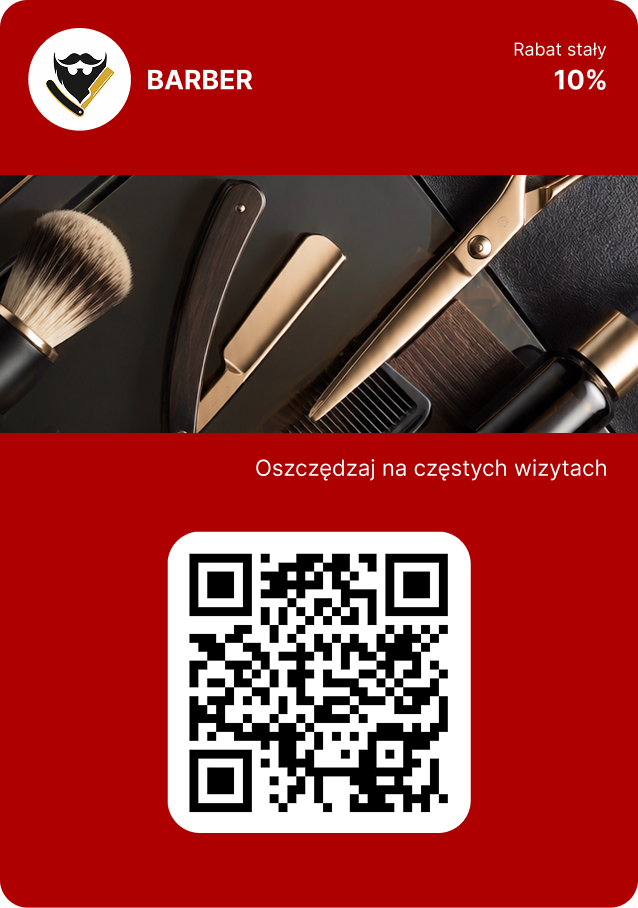
Discount card
Give returning customers a discount linked to their card. Once scanned, the benefit appears on the open bill.
The discount is visible on the bill before payment.
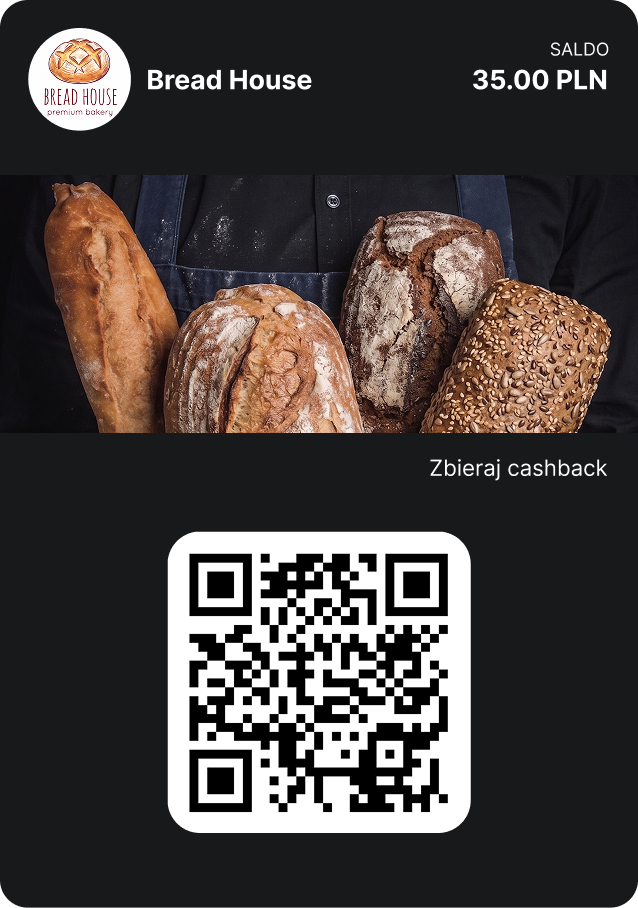
Cashback card
Return part of the purchase value to the programme balance. Customers see their accumulated balance on their digital card.
The completed transaction updates the programme balance.
Programme types
No extra customer app
Sample Nuvio cards. Your card uses your brand's design and programme rules.
Rewards are applied according to the connected programme's rules.
From card to checkout
Two systems, one checkout flow
Once the programme and cards are ready in Nuvio Loyalty, connect the account to Sincliq and choose the active till programme. From then on, staff handle the card on the same screen as the sale.

Connected account and selected programme

Sincliq
Sale, bill, benefit, payment
At the till
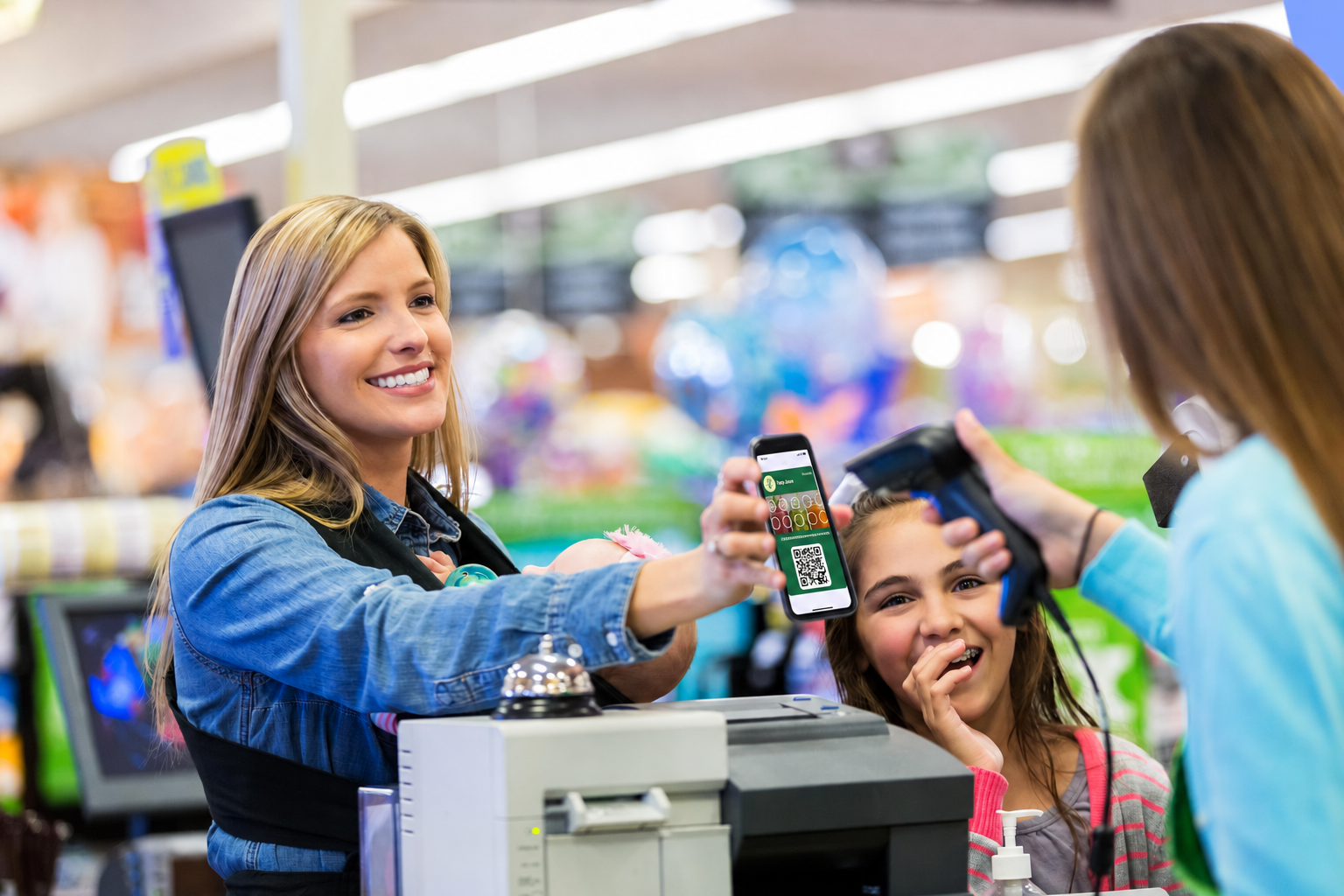
The client benefit is ready when the appointment is checked out.
Staff identify the client at the appointment or payment. Sincliq shows the benefit defined by the active programme and records the checkout on the customer card.
- 01
Client at appointment
The card connects checkout to the right client.
- 02
Available benefit
Sincliq shows the discount, balance or reward.
- 03
Checkout the appointment
The benefit reaches the bill before payment.
- 04
Programme history
Nuvio records the transaction and updates the card.
Loyalty programmes for repeat visits.
Customers keep the card in Apple Wallet or Google Wallet. Joining, identification and programme checkout do not require another consumer app.
Integrate loyalty into your sales process.
We will show programme setup, the Sincliq connection, a card scan and the benefit applied to the bill.