
SUNMI D3 PRO
Your reception and team schedule

Time for your clients. Control over your day.
From booking to payment after the visit. Bring schedules, clients and checkout together in the Sincliq app or in your browser via WebView.
Sincliq • Everything for your business
Opening a new venue? Growing your business? Or is it time to replace a system that cannot keep up with your business?
Time for something better. Sincliq brings your till with TSE, POS system, payments and business management together in one place. Plus a loyalty programme worthy of the best brands, with customer cards in Apple Wallet and Google Wallet and no extra app to install. Less manual work, more control over your sales and more reasons for customers to come back.
See bundles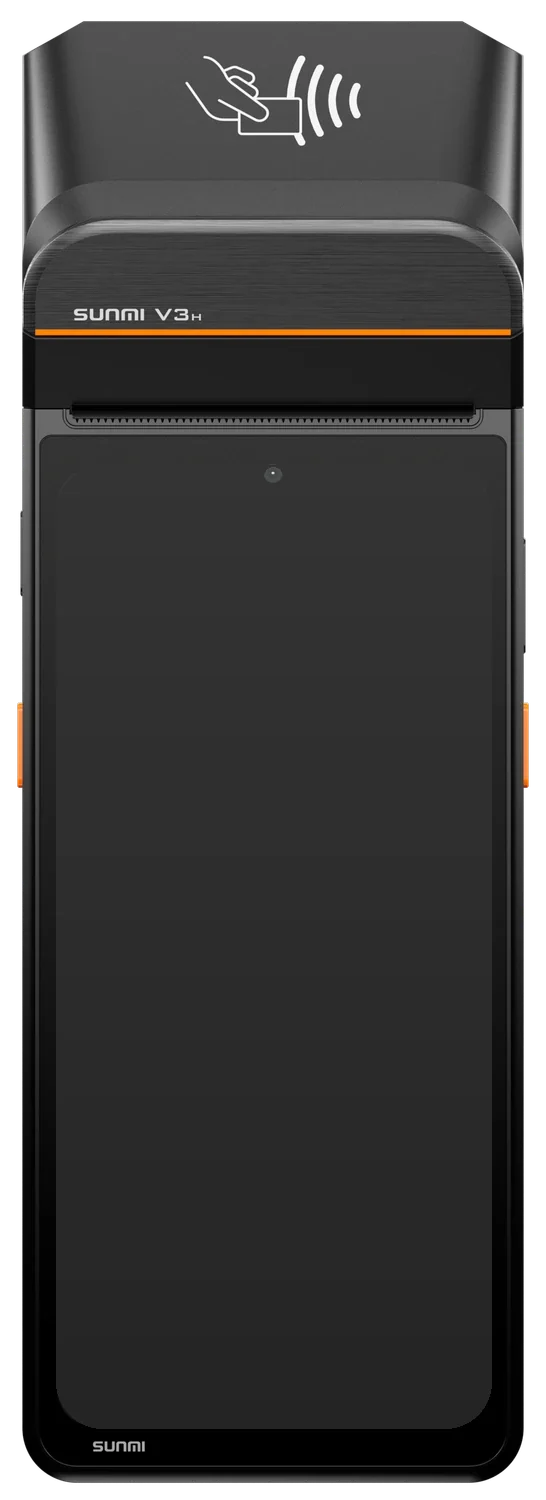
€55net/month
Hardware, POS Standard and TSE in one bundle.*
24 months
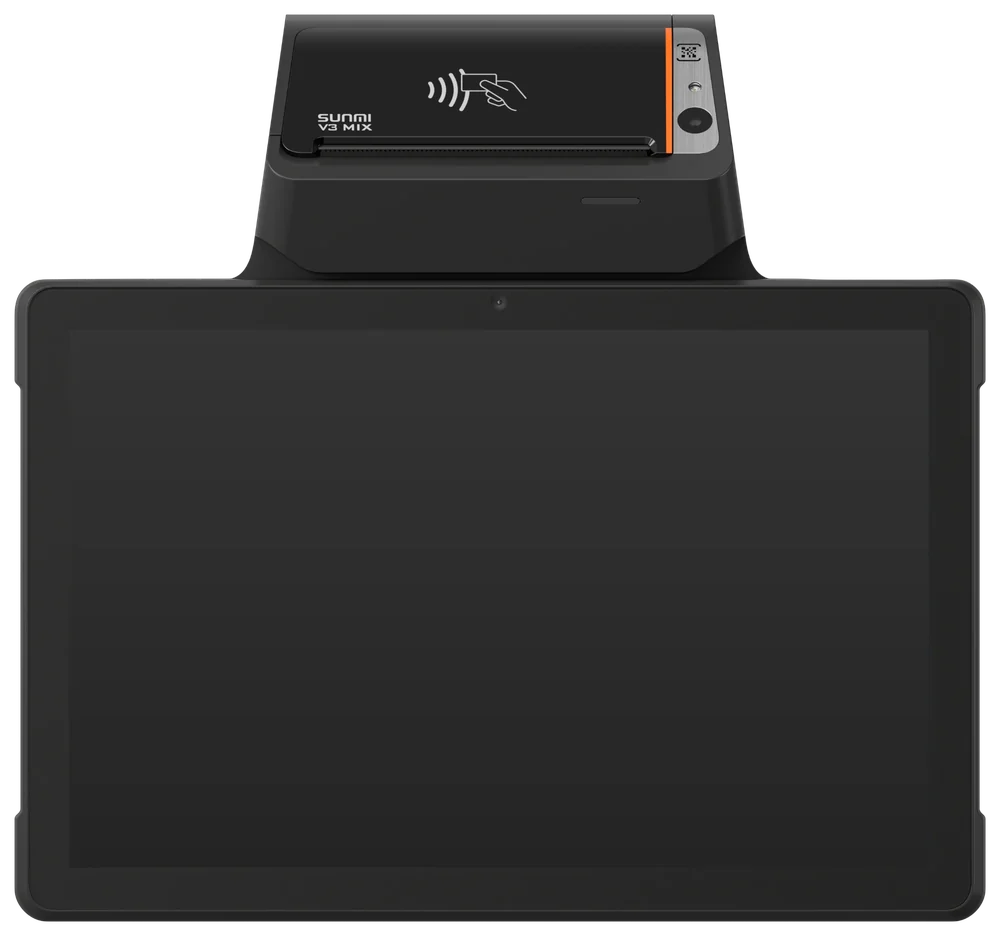
€59net/month
Hardware, POS Standard and TSE in one bundle.*
24 months
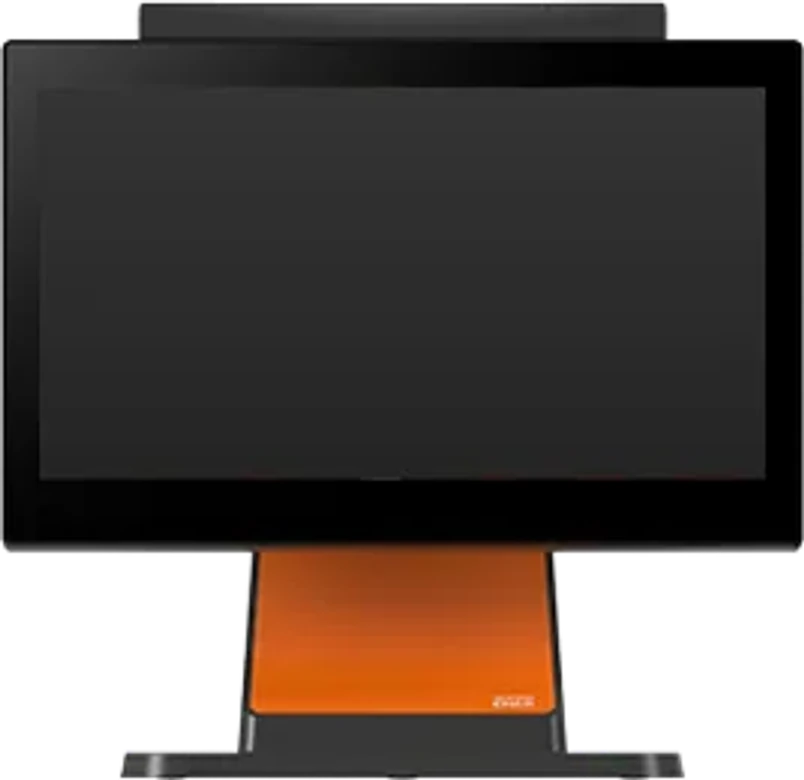
€49net/month
Hardware, POS Standard and TSE in one bundle.*
24 months
* TSE: €10 net/month. All prices are net, 24-month contract. Instalments require a positive credit assessment and approval by Sincliq.
Check availability, book an appointment and take payment. Your calendar, team and checkout work together, while you keep an eye on business performance.
SINCLIQ Calendar
See open slots, assign a team member and reserve the resources you need. One shared calendar helps your team prepare for the day's appointments.
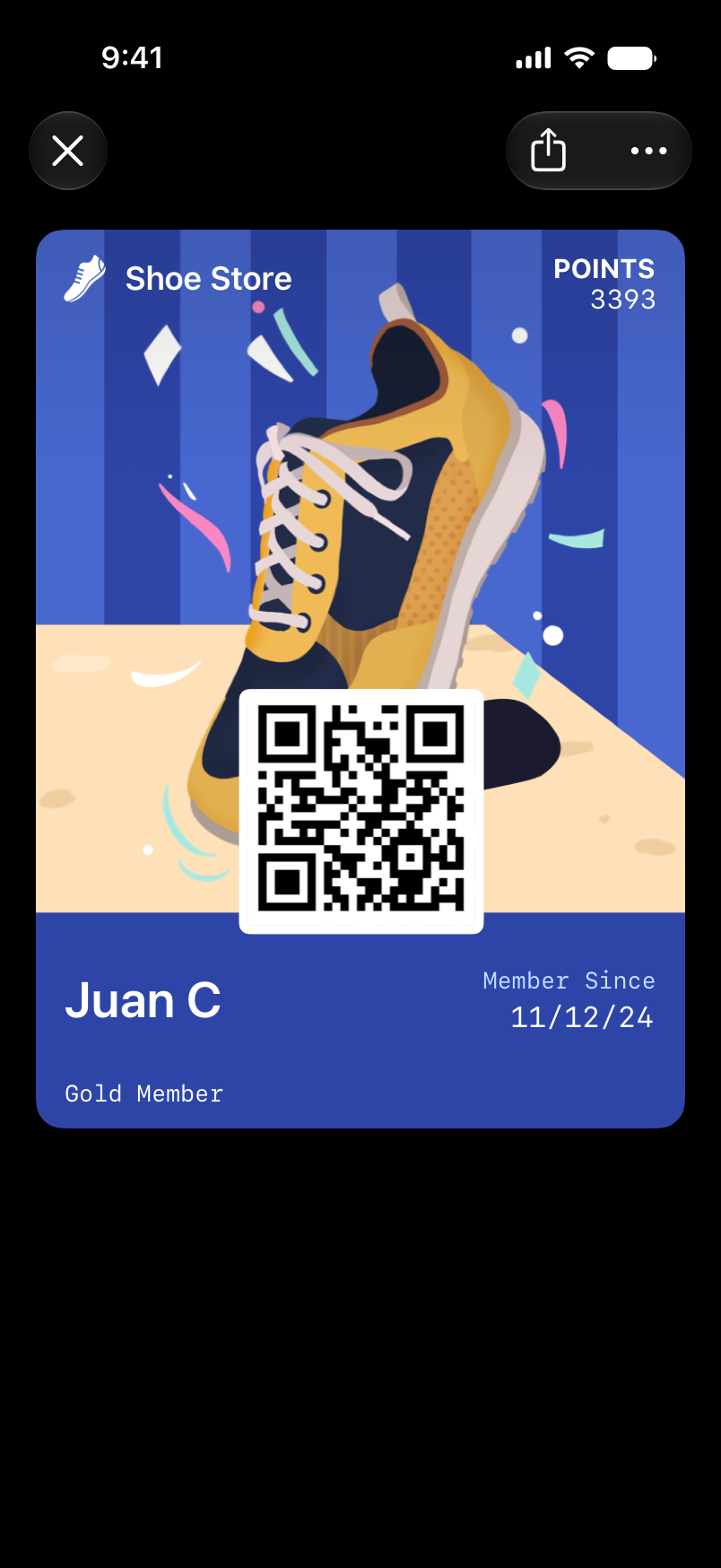
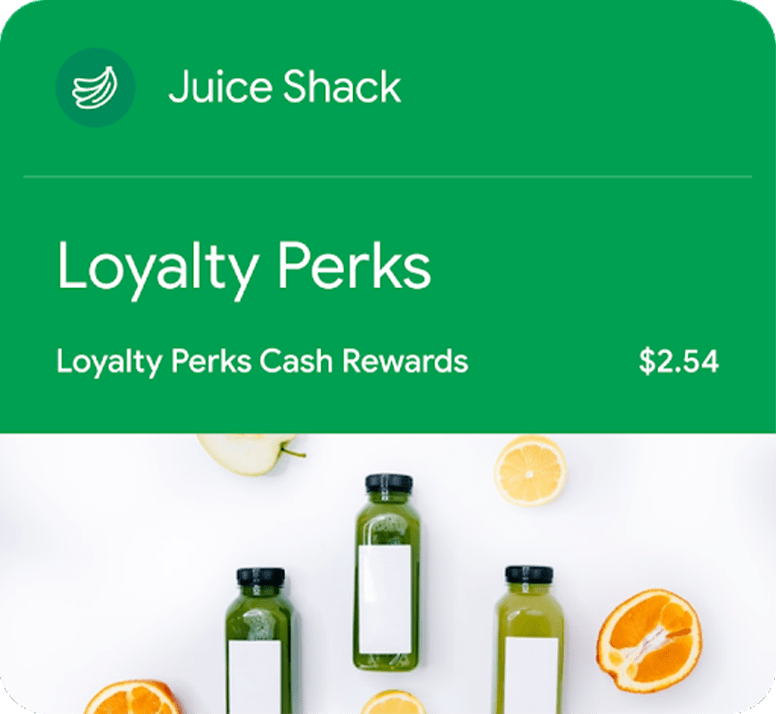
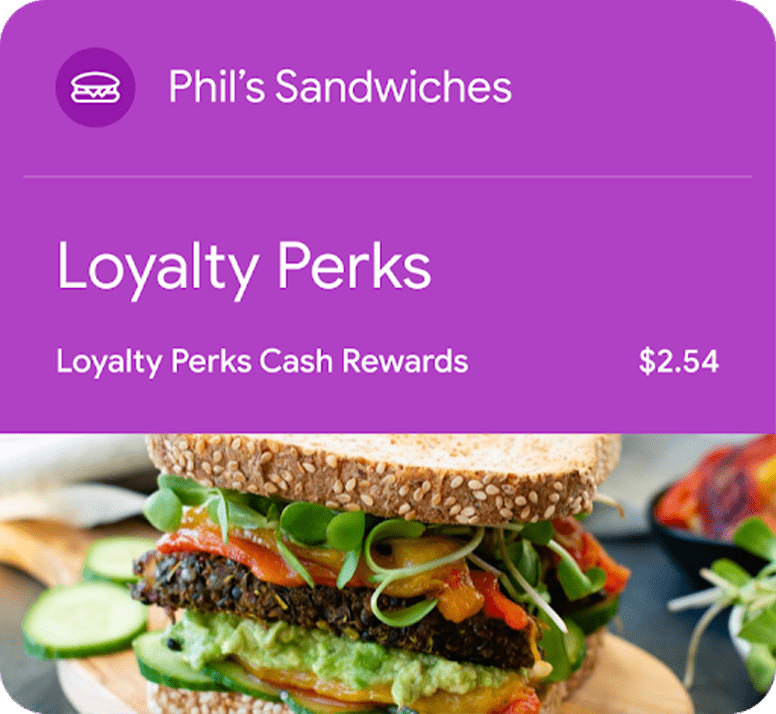
Sample cards from Apple and Google. Your card will carry your own brand.
NUVIO LOYALTY + SINCLIQ
A great visit is the start of the next one. Reward return visits with points, stamps and discounts through Nuvio Loyalty. Your card stays on the client's phone, with rewards applied at checkout in Sincliq.
Choose a workstation for bookings, team schedules and client checkout.
Explore hardwareYour reception and team schedule
Appointments and checkout
Mobile POS and terminal
Customer display and terminal
Countertop terminal
By card, phone or a local payment method. At the counter and at the table.


Payment methods supported by the terminal integration in this market. Availability requires account activation and depends on the agreement, configuration and terminal model. NFC wallets use a supported card. Visa and Mastercard include credit and debit cards.
Givex, Intersolve, SVS and Fiserv (ValueLink): require separate configuration and the appropriate agreement and programme integration.
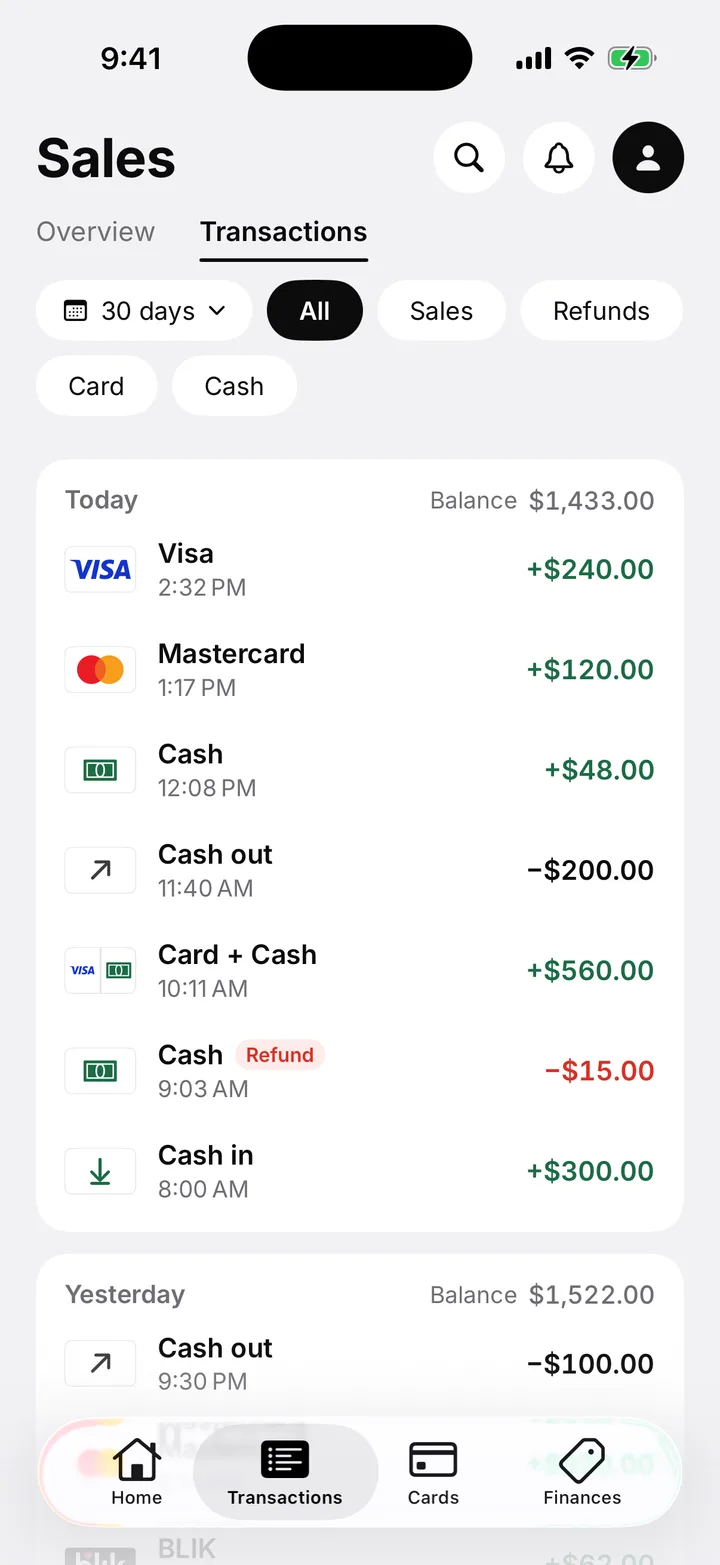
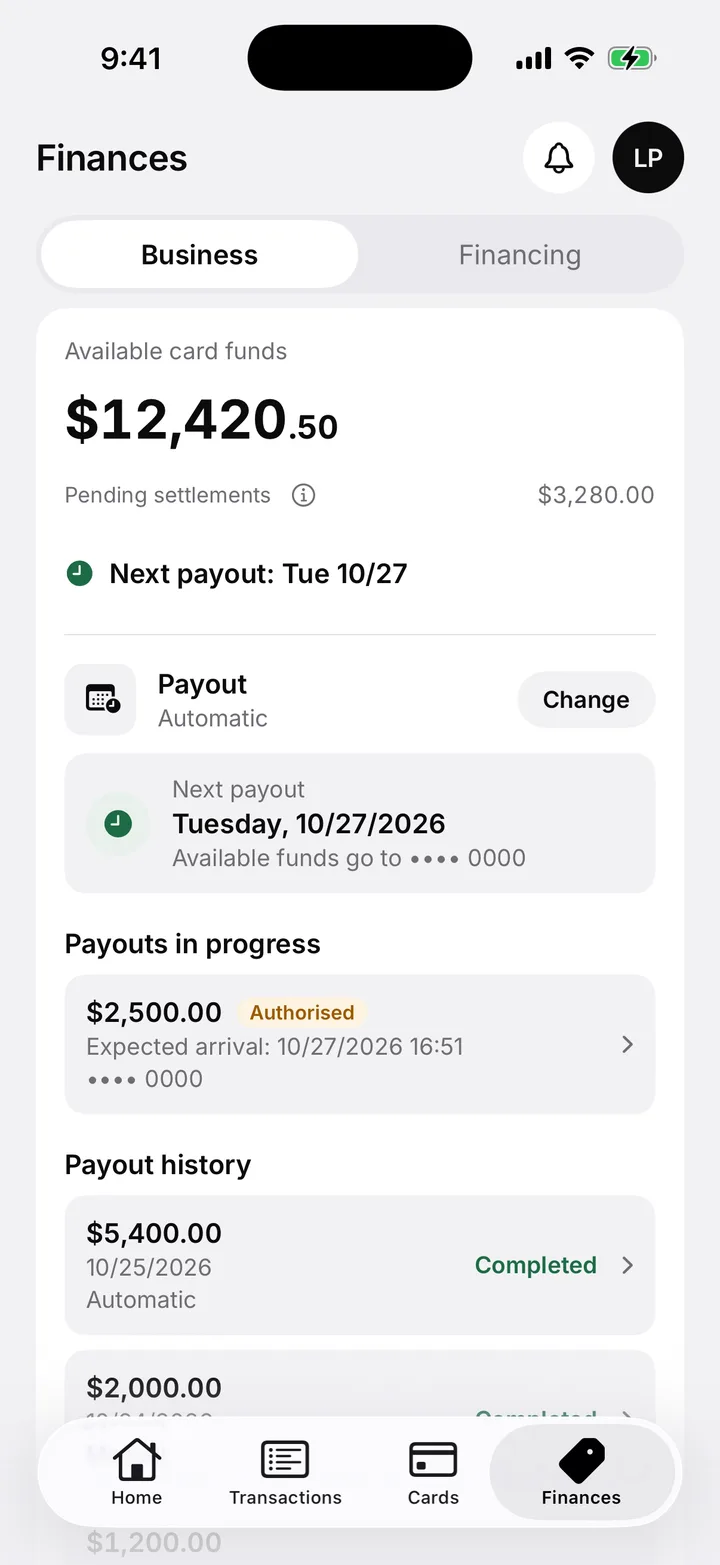
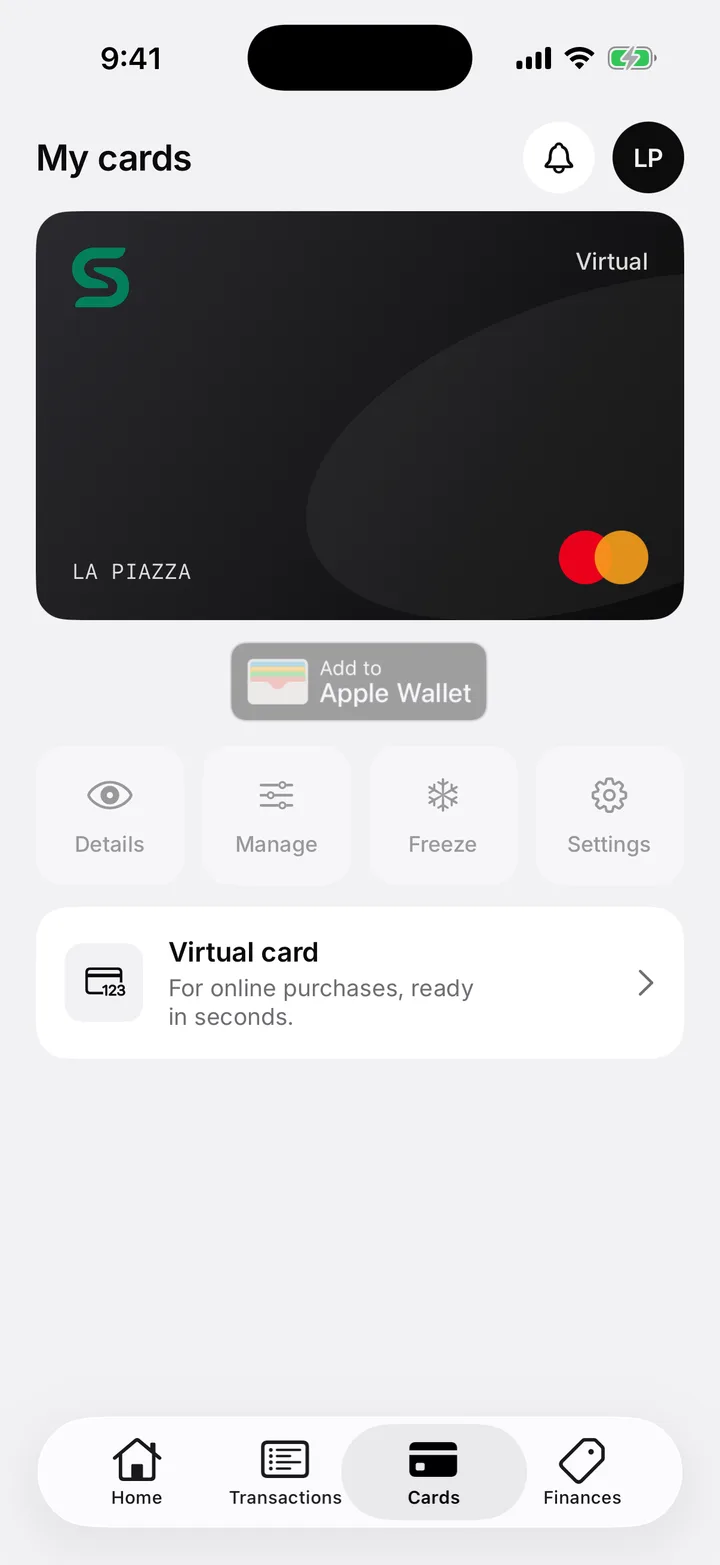
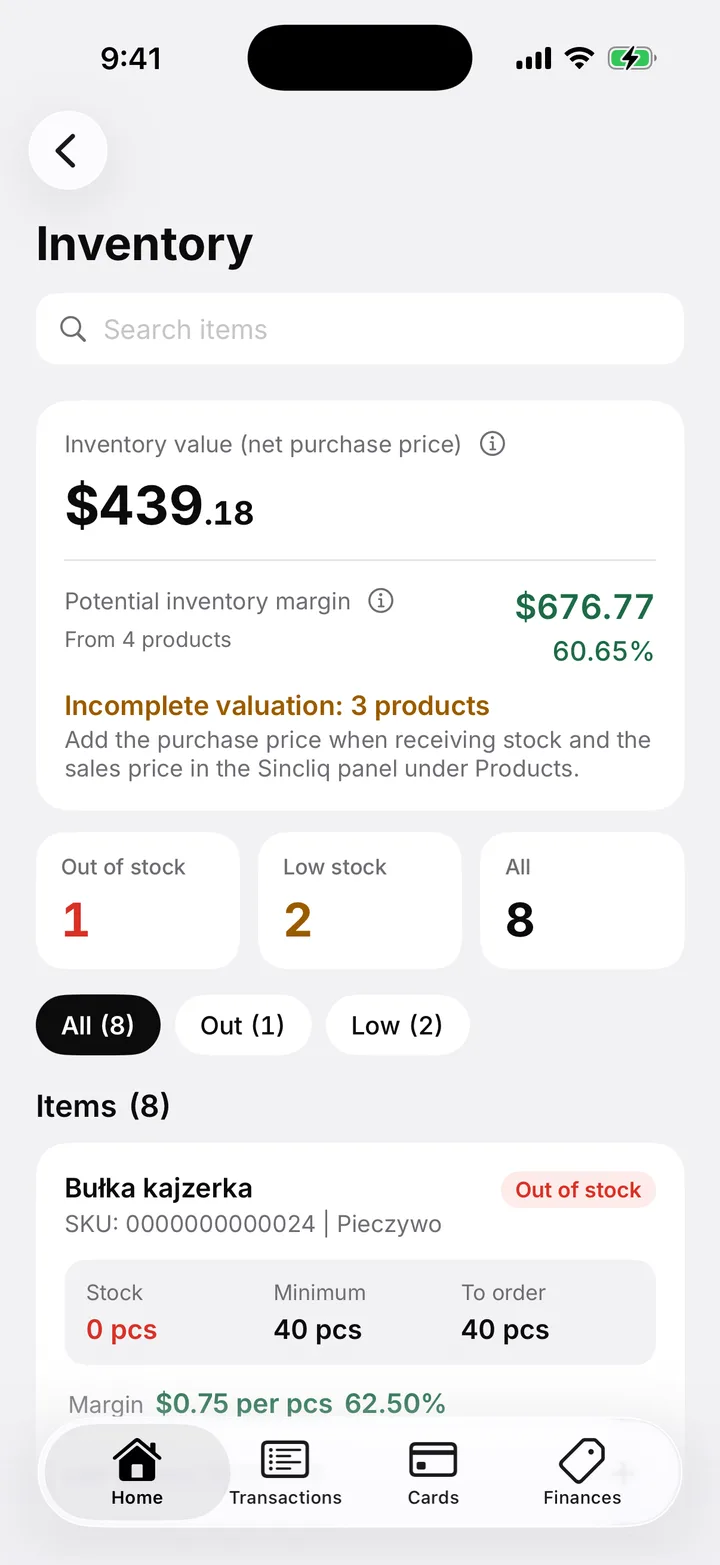
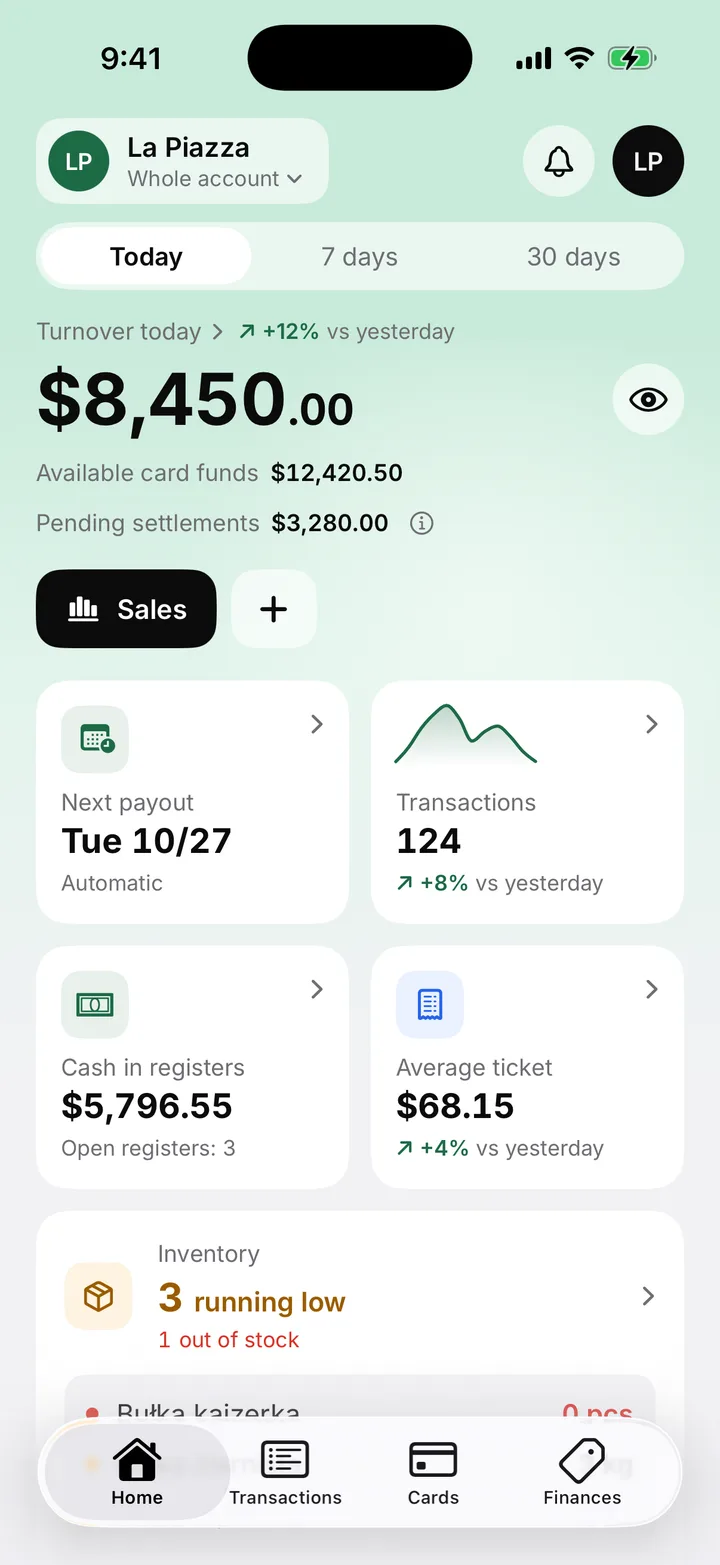
The Sincliq Business app
Pay out your sales money to your bank account whenever you like, or use it directly with the Sincliq business card.
Pay for stock, supplies and everyday business costs with your sales money, without waiting for the terminal payout.


What the app gives you
Connect Sincliq with your business hardware and tools. Choose integrations that fit your customer service and the options available in your market.
Explore integrationsProduct availability and features may vary by region.

Look after clients from their first booking to their next visit. Keep scheduling, service and checkout together in Sincliq.
The Sincliq Standard subscription costs 59 € net per month for one location, and each additional location costs 35 € net per month. This price applies with card payments through Sincliq (0.9% + 0.11 € per domestic card transaction); without them Standard costs 79 € net. A complete bundle with SUNMI hardware and a Sincliq POS Standard licence costs from 49 € net per month in 24 instalments, or from 599 € net as a one-off payment.
See plans and bundlesYes. POS records sales during a connection outage and syncs data when connectivity returns. Card authorisation requires a network connection.
Purchasing hardware from Sincliq is optional. The Hardware catalog lists devices, specifications and indicative prices. Registered customers order through the Sincliq dashboard; compatibility of existing devices is confirmed before implementation.
Implementation includes configuring your product range, prices and tax rates together. For hospitality, we prepare the menu and provide system training.
Yes. Manage multiple locations from one dashboard. Each additional location is billed separately under the subscription.
Standard covers POS, POS Mini, payments, products, inventory, reports, loyalty and the dashboard. Plus adds Profit: cost, price and margin of every item.
Yes. The TSE is part of Sincliq and runs in the cloud. Every sale is signed at payment and the signature is printed on the receipt.
You create the TSE in the Sincliq dashboard and sell the same day: no device to order, no delivery to wait for, no technician to book.
In the dashboard you pick a date range and request the export, then download the finished DSFinV-K file from the list of exports. Any days without a closing in that range are flagged straight away.
Yes, and it is the operator who files it, not us. Tills acquired from 1 July 2025 must be reported within one month of acquisition, electronically via Mein ELSTER. The details the form needs, including the TSE serial number, are in the dashboard next to the list of signatures.
Explore features for your industry, compare plans and choose your hardware. Need a hand? Let's talk about how your team works.